

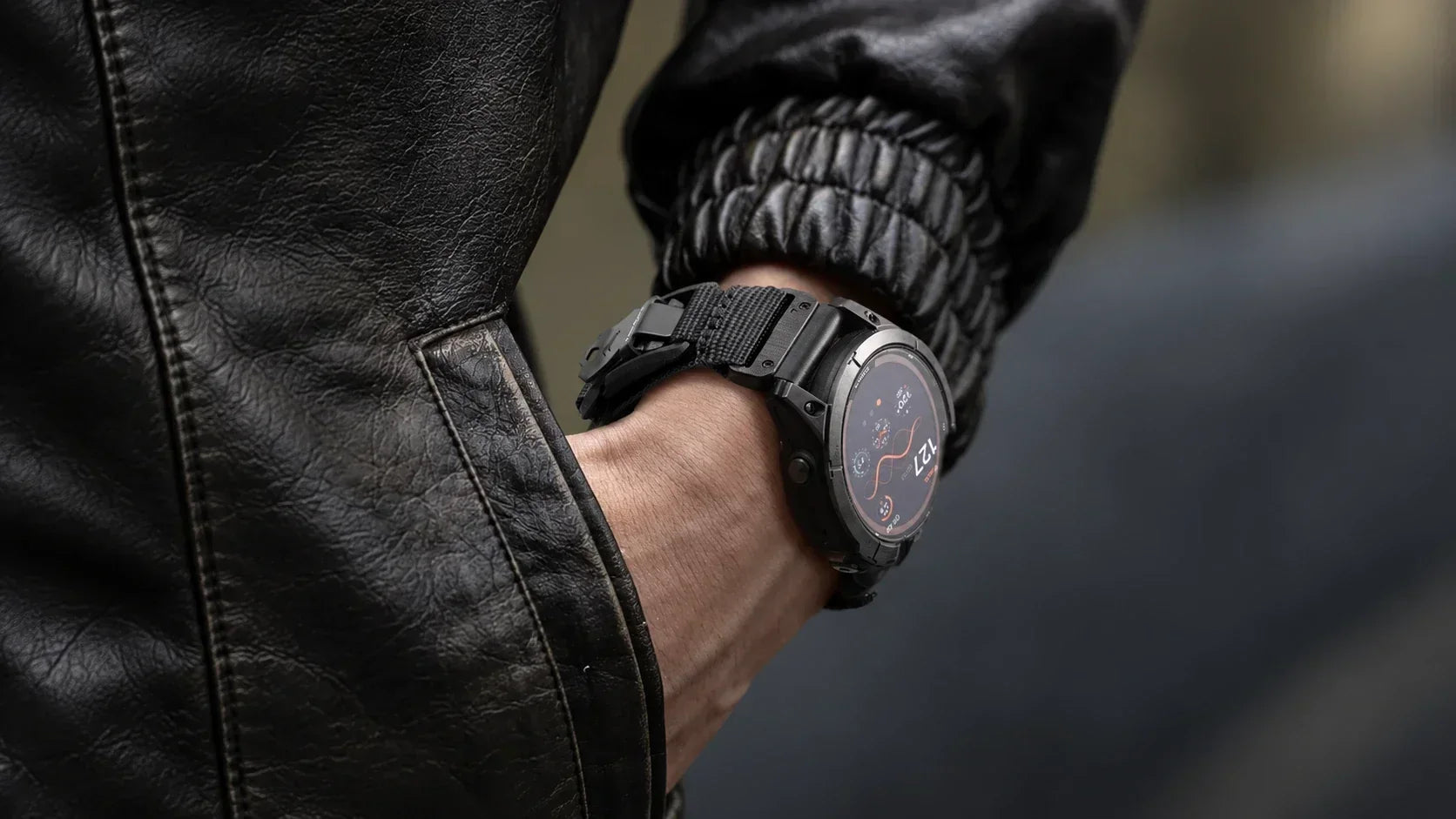
 Whether you are still running a Fenix 6, upgraded to a Fenix 7, or just strapped on the new Fenix 8, the one question every Fenix owner eventually asks is which bands actually fit. The lineup spans three generations, three case sizes, and Pro and non-Pro variants, so it is easy to assume a model-specific band is required. Usually, it is not. Here is how Garmin Fenix 8, 7, and 6 watch bands fit across every generation, plus a size chart below to buy with zero guesswork.
Table of Contents
- How Garmin Fenix Bands Really Fit: QuickFit Width, Not Model Number
- Do the Garmin Fenix 6, 7, and 8 Pro Models Use Different Watch Bands?
-
Choosing a Garmin Watch Band by Series
- Garmin Fenix 6 & 6 Pro Watch Band
- Garmin Fenix 7 & 7 Pro Watch Band
- Garmin Fenix 8 & 8 Pro Watch Band
- Garmin Fenix 6, 7, and 8 Watch Band Materials & Styles
- Garmin Fenix Band Size Chart
- How to Replace or Swap Your Garmin Fenix Band
- Keeping Your Fenix Band Fresh: Cleaning & Maintenance
- Frequently Asked Questions
- Conclusion
How Garmin Fenix Bands Really Fit: QuickFit Width, Not Model Number
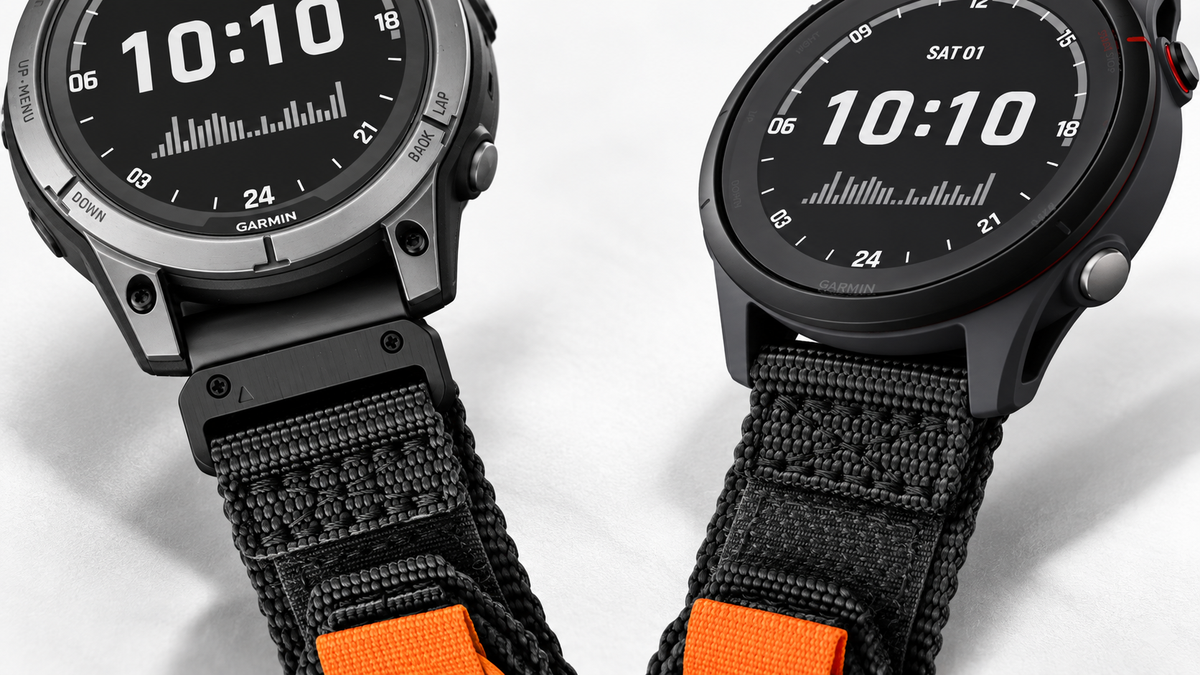
Fenix bands attach through Garmin QuickFit, and the width that matters is set by case size, not model name or year. Three widths cover the lineup:
- QuickFit 20 for 42mm and 43mm cases
- QuickFit 22 for 47mm cases
- QuickFit 26 for 51mm cases
A QuickFit 22 band fits a 47mm Fenix 6, 7, or 8 alike. Shop by width first; the generation barely matters once you know your case size.
Do the Garmin Fenix 6, 7, and 8 Pro Models Use Different Watch Bands?
No, the Pro badge does not change band compatibility. A Fenix 7 Pro at 47mm uses the identical QuickFit 22 band as a standard Fenix 7 at 47mm. The confusion comes from what Pro adds: maps, music, and Wi-Fi on the 6 Pro, brighter solar charging and a flashlight on the 7 Pro, and satellite communication with MicroLED options on the 8 Pro. None of that touches the lugs.
What does matter is case size within the Pro lineup itself. A 7S Pro at 42mm and a 7X Pro at 51mm take different widths despite sharing the Pro name. Garmin Fenix 6 Pro, 7 Pro, and 8 Pro watch bands are simply QuickFit 20, 22, or 26 bands sized to that case.

Choosing a Garmin Watch Band by Series
Fit works the same across generations, but the right choice depends on how each watch gets used.
Garmin Fenix 6 & 6 Pro Watch Band
These watches are now several years old, so owners are usually keeping a reliable favorite going. A fresh watch band is the cheapest way to make an aging Garmin Fenix 6 setup feel current, especially since original silicone tends to crack or discolor over time. Nylon or leather swaps in a less sporty look.
Garmin Fenix 7 & 7 Pro Watch Band
Most Fenix 7 owners wear the watch all day and train in it, so a small rotation makes sense: sport silicone or FKM for workouts, nylon or leather for the office. On the larger 7X and 7X Pro at 51mm, a lighter Garmin Fenix 7 Pro bands option improves comfort across a long day.
Garmin Fenix 8 & 8 Pro Watch Band
The Fenix 8, especially the 8 Pro with satellite and speaker hardware, is a heavier, dive-rated flagship. A loose strap during hard training lets the case shift, adding noise to heart rate and GPS data. A secure closure and snug, sweat-shedding material matter here, while titanium or metal dresses up the chassis for Garmin Fenix 8 bands worn outside the gym.
Garmin Fenix 6, 7, and 8 Watch Band Materials & Styles
Once the width is sorted, material is what decides how a band feels day to day.
|
Material |
Best For |
Watch Out For |
|
Silicone / FKM |
Training, sweat, water sports |
Can feel sticky in heat |
|
Nylon / Hook-and-Loop |
All-day comfort, lightweight |
Slower to dry than silicone |
|
Leather |
Office or dress look |
Not for sweat or swimming |
|
Metal / Titanium |
Premium, dressy on Fenix 8 |
Heaviest option |
|
Canvas |
Casual, rugged everyday look |
Mid-range dry time |
All of these come in the same QuickFit 20, 22, or 26 widths, so a style you like on one generation carries over the next time you upgrade, as long as the case size stays the same.
Garmin Fenix Band Size Chart
With the rules and material choices covered, here is the one-look chart to shop by.
|
Series |
Model(s) |
Case Size |
QuickFit Width |
|
Fenix 6 |
6S / 6S Pro |
42mm |
QuickFit 20 |
|
Fenix 6 |
6 / 6 Pro |
47mm |
QuickFit 22 |
|
Fenix 6 |
6X / 6X Pro |
51mm |
QuickFit 26 |
|
Fenix 7 |
7S / 7S Pro |
42mm |
QuickFit 20 |
|
Fenix 7 |
7 / 7 Pro |
47mm |
QuickFit 22 |
|
Fenix 7 |
7X / 7X Pro |
51mm |
QuickFit 26 |
|
Fenix 8 |
43mm (AMOLED) |
43mm |
QuickFit 20 |
|
Fenix 8 |
47mm (AMOLED/Solar), Fenix E |
47mm |
QuickFit 22 |
|
Fenix 8 |
51mm (Solar) |
51mm |
QuickFit 26 |
|
Fenix 8 Pro |
47mm |
47mm |
QuickFit 22 |
|
Fenix 8 Pro |
51mm |
51mm |
QuickFit 26 |
Find your model row, note the QuickFit width, and any Garmin Fenix 6, 7, or 8 watch bands in that width will fit, regardless of generation. The case size is laser-etched on the caseback and also listed in the Garmin Connect app.
How to Replace or Swap Your Garmin Fenix Band
Changing a Fenix band is simpler than it looks. Follow these steps:
- Confirm your QuickFit width using the chart above.
- Press the QuickFit lever on the underside of the band.
- Slide the old band out of the lug.
- Slide the new band in until it clicks.
- Give it a gentle tug to confirm it is locked.
Third-party bands may ship with a spring-bar release plus a QuickFit adapter instead of a built-in lever, which works the same way once fitted. No tools needed, no scratched lugs, and the swap takes under a minute on any Garmin Fenix 6, 7, or 8, Pro included.
Keeping Your Fenix Band Fresh: Cleaning & Maintenance
Fenix owners sweat, swim, and get muddy in these bands regularly, and grime shortens band life while a loose or greasy strap can throw off sensor contact.
Rinse silicone or FKM bands with fresh water after sweat or saltwater exposure, and use mild soap with a soft brush weekly. Hand-wash nylon or canvas bands in lukewarm soapy water, rinse well, and air-dry flat rather than in a machine dryer. Wipe leather with a barely damp cloth, keep it away from swims or showers, and condition it occasionally. For metal or titanium, wipe the links, brush the gaps, and dry thoroughly to avoid water spots.
Rotating two Garmin Fenix bands doubles the life of each, since one gets a full day to dry between wears. For a deeper walkthrough on caring for each specific material, see Bandletic's complete guide to cleaning and maintaining a smartwatch band.
Frequently Asked Questions
Are Garmin Fenix 6, 7, and 8 bands interchangeable?
Yes, as long as the QuickFit width matches. A QuickFit 22 band fits any 47mm Fenix 6, 7, or 8, Pro included. See the chart above.
Do Garmin Fenix 6, 7, and 8 Pro models need special "Pro" watch bands?
No. Pro is a feature tier, not a band size. Garmin Fenix 6 Pro watch bands and Garmin Fenix 8 Pro bands are just QuickFit 20, 22, or 26 sized to the case.
What size band does my Garmin Fenix take?
42mm or 43mm cases take QuickFit 20, 47mm takes QuickFit 22, and 51mm takes QuickFit 26. Check the caseback or Garmin Connect if unsure.
How do I replace a Garmin Fenix 6, 7, and 8 watch band?
Press the QuickFit lever, slide the old band out, and slide the new one in until it clicks. See our step-by-step guide above.
Which single band is best for my Fenix 8?
For a specific top pick, read our dedicated guide: Best Garmin Fenix 8 Watch Band.
Conclusion
QuickFit width is the one number that actually matters here: 20, 22, or 26, the same across a Fenix 6, 7, or 8, Pro included. Once that is locked in, the rest comes down to how you train and dress. Bandletic has spent years sorting exactly this kind of fit puzzle out for watch owners, so putting that width to use is the easy part. Head over to our Garmin Fenix watch bands collection and swap out the one weak link standing between you and a comfortable fit.
Share:
Bands Guide for Apple Watch Series 7, 8, and 9 — Find Your Perfect Apple Strap
Apple Watch Ultra 4 Bands: Size, Compatibility & Best Options